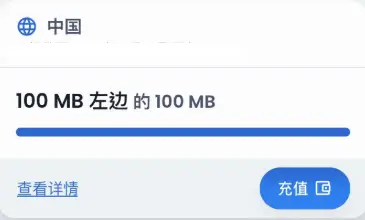
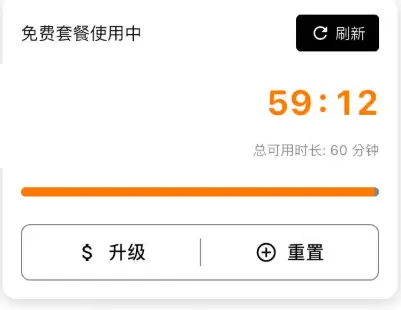
YOHO Mobile 是新加坡的运营商,特点是无需付费,可以通过看大约一分钟的广告来获得一个小时的免费限速流量
不过由于限速大概是 20Kbps,基本上只能打开网页,也干不了其他事情的
安装 eSIM 方法
从应用商店下载Yoho eSIM(安卓)或Yoho eSIM: AI Travel Data/Call(IOS) APP 后会看到有很大一个按钮写着免费获取,点击会弹出登录
登录后点击底部的 查看适用目的地 按钮后可以选择国家,这里以我的经验是可以随便选一个,流量是全球通用的
选择后会提示需要绑定手机号,是可以用+86 的
验证成功就可以添加 eSIM 了,可以直接跳转安装,也可以选择手动安装,导出二维码添加实体 eSIM 卡
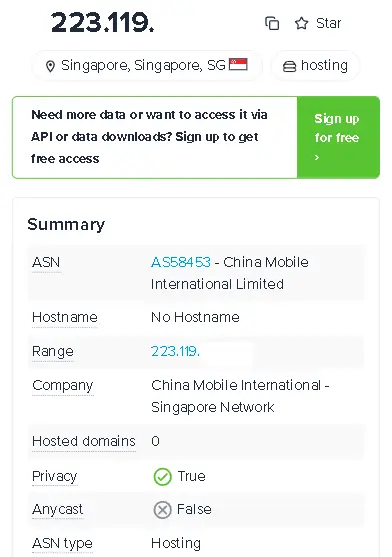
在我这边显示的运营商是移动
付费价格
除了免费的限速流量,也有付费的流量可选,以下为在中国漫游的价格:
(流量和天数可以自由选择,这里以几个作例子)
1GB/1 天 ¥10.52
1GB/7 天 ¥10.81
5GB/10 天 ¥32.22
10GB/10 天 ¥52.03
无限流量/30 天 ¥247.61
这一家的漫游价格我认为是比较划算的,有需求的值得一试(我不负责=P)
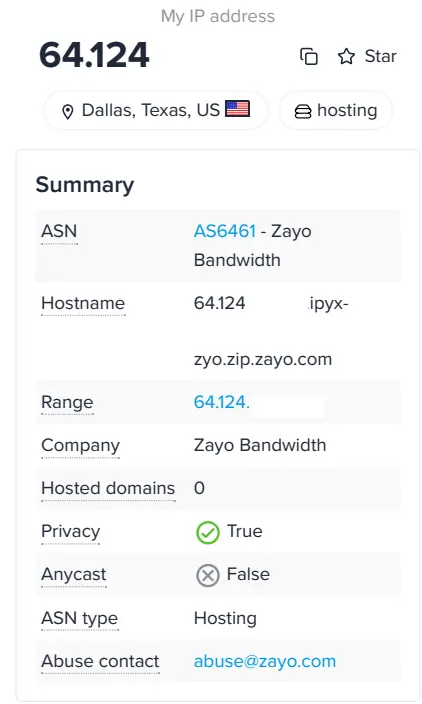
IP 检测
总结
免费的网速太慢了,基本无法使用,仅推荐用于应急